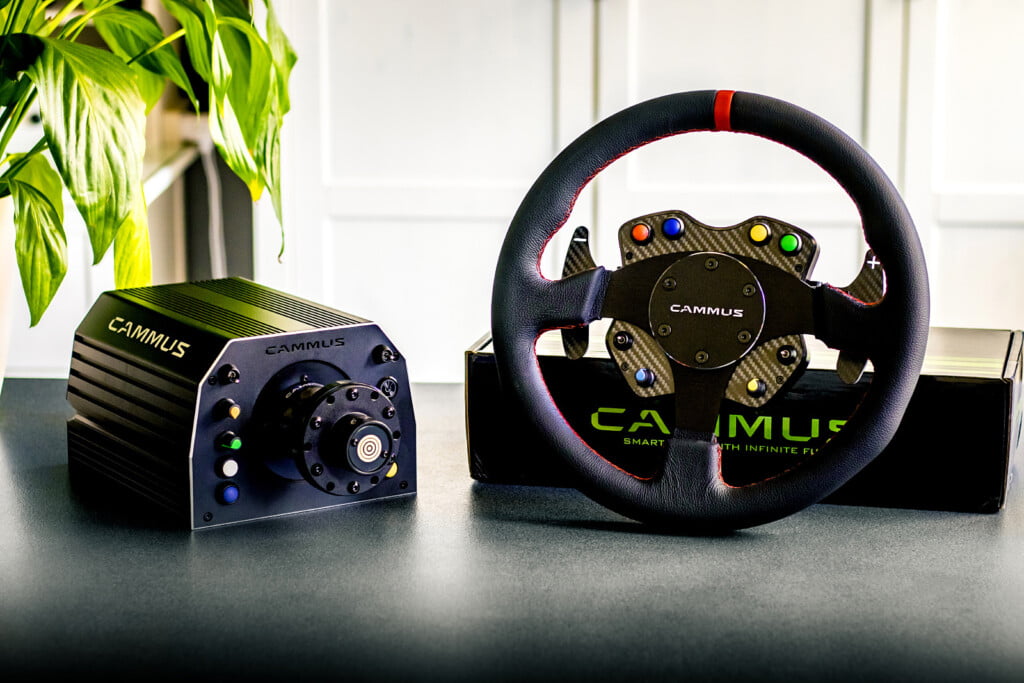
CAMMUS GT1 DD Bundle
It’s no secret that sim racing has gained a lot of popularity the past few years. We have already seen many beautiful and impressive initiatives and products new to the market and with the entry of Cammus into the simracing market, another interesting player has joined. Cammus, or Shenzhen CAMMUS Electronic Technology Co., Ltd in full, is an automotive technology company based in Shenzhen, China. Cammus was founded in 2006 by car enthusiast and engineer Mr. Hu who started developing an electronic accelerator pedal during that period. Since that time, a lot of products have been developed and the necessary milestones have been reached; for example, Cammus developed a fully electric supercar between 2014 and 2016, the Windbooster Titan, and in 2017 they launched their first fully electric Go-Kart. In 2021 Cammus entered the simracing market with a clear vision to develop a complete ecosystem with steering wheels, wheelbases, pedals, accessories and also a sim rig cockpit. Cammus asked us to test and review their first released hardware, the GT1 DD Bundle consisting of a direct drive wheelbase and a round steering wheel. It will come as no surprise what our response to this has been.
The Cammus GT1 DD Bundle as we review it is available at Cammus’ own Windbooster webshop. The final retail price is $999.00, however, at the time of writing the bundle is available at a 30% discount for $698.00.

Packaging & Contents
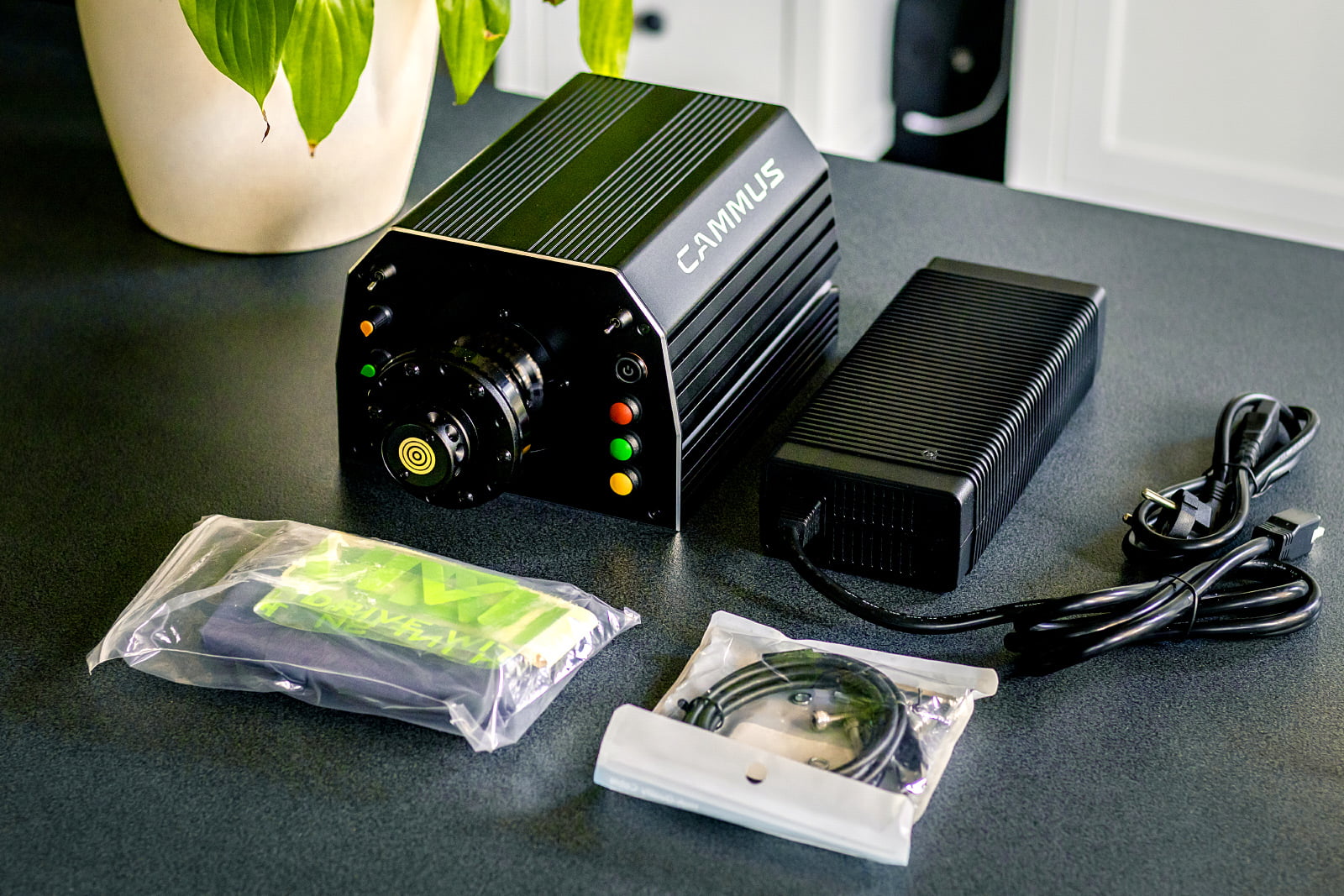
Cammus’ shipment took just under a week to get to us via FedEx. In total we received one white shipping box containing three neat looking product boxes with Cammus branding; one box for the wheelbase, one box for the steering wheel rim and one box with the corresponding button box and quick release. In the box with the wheelbase we also find the (huge) power supply with European plug, a bag with mounting materials and USB cable and a large flag with Cammus branding.


All parts are packaged well protected with good use of polystyrene foam, as we like to see. The only thing we might want to see differently is the USB cable, it now shares a bag with bolts and washers, which increases the chance of damage to the USB connectors. This cable should therefore have been packaged separately. We are absolutely delighted with the amount of protection and the boxes in which everything is delivered. Despite the fact that it does not matter for protection, we are always very enthusiastic when seeing branding on the product boxes because it does make you just a little more curious about the beauty that is waiting for you inside. Which is worth a small remark; due to the origin of the shipment, we paid €39 in import/VAT to receive the bundle.
Technology & Quality
The first impression when unpacking the Cammus GT1 DD Bundle is very good. The steering wheel, still without a button box, is very light but feels very sturdy. The artificial leather upholstery fits very nicely around the steering wheel with light recesses for your fingers at 12, 3 and 9 o’clock. The finish with the red stitching is superb and the 12’o clock mark, which is quite wide at over 1cm width, looks very good. With a diameter of 33 cm, measured by us, this is also a full-size steering wheel, which we certainly think adds value for a realistic experience.


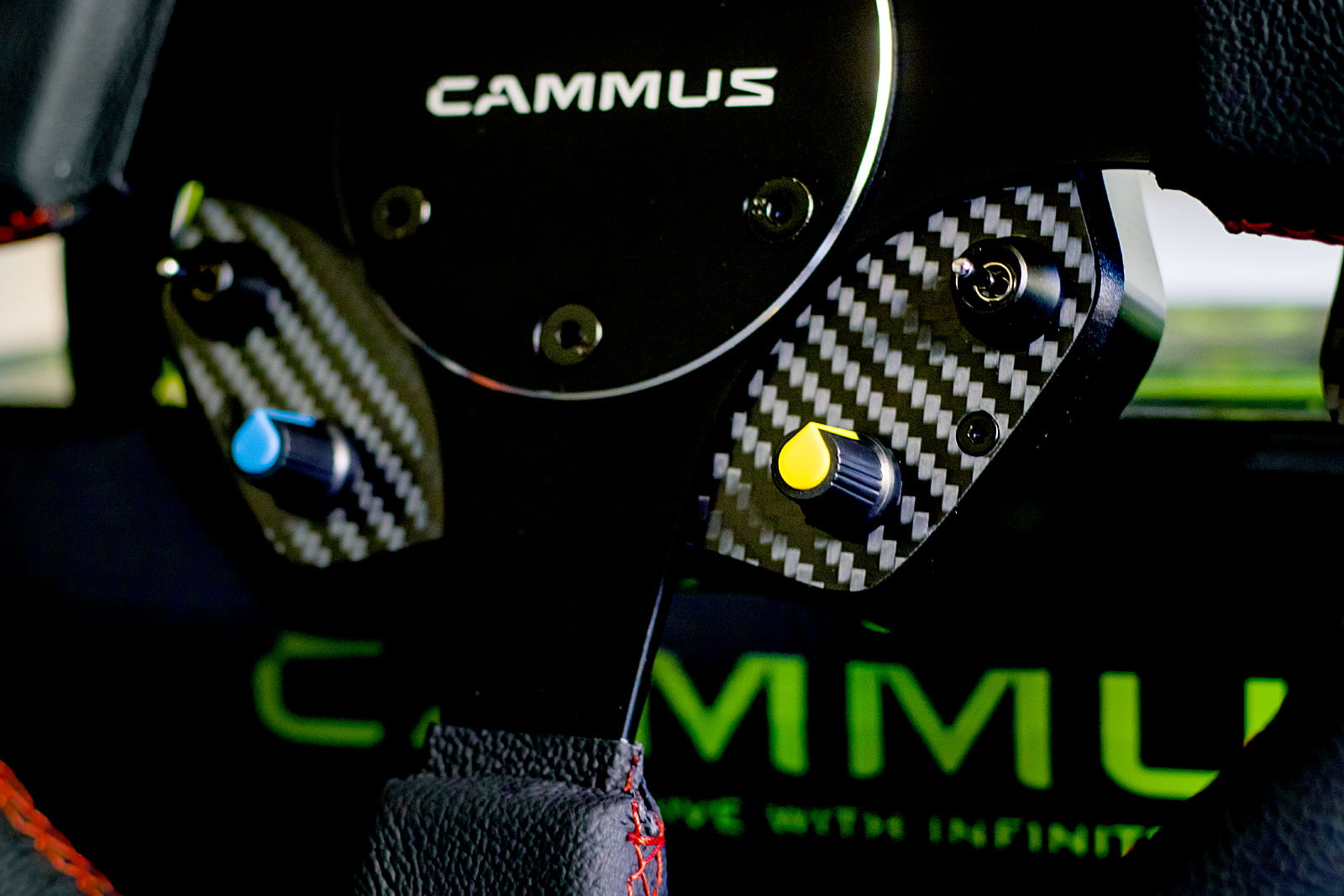
The button box, which you mount on the back of the steering wheel, also feels very good at first. The housing is made of black anodized aluminum with a layer of carbon fiber on the front, which certainly enhances the look. At the top of the button box there are two simple push buttons on both the left and right. At the bottom there is a rotary encoder on both the left and right, which you can also press, accompanied by a continuous toggle switch on the left and a momentary switch on the right. The rotary encoders and toggle switches feel fine, but the push buttons on the top are a bit more disappointing. These push buttons simply feel very cheap and have no pleasant feedback when pressed. In addition, these buttons also have an odd texture that stands out from the rest of the steering wheel and the button box, and the colors enhance that feeling. While the entire steering wheel and button box feel good quality and look pretty sleek, the large colored buttons give a bit of a childlike feeling.



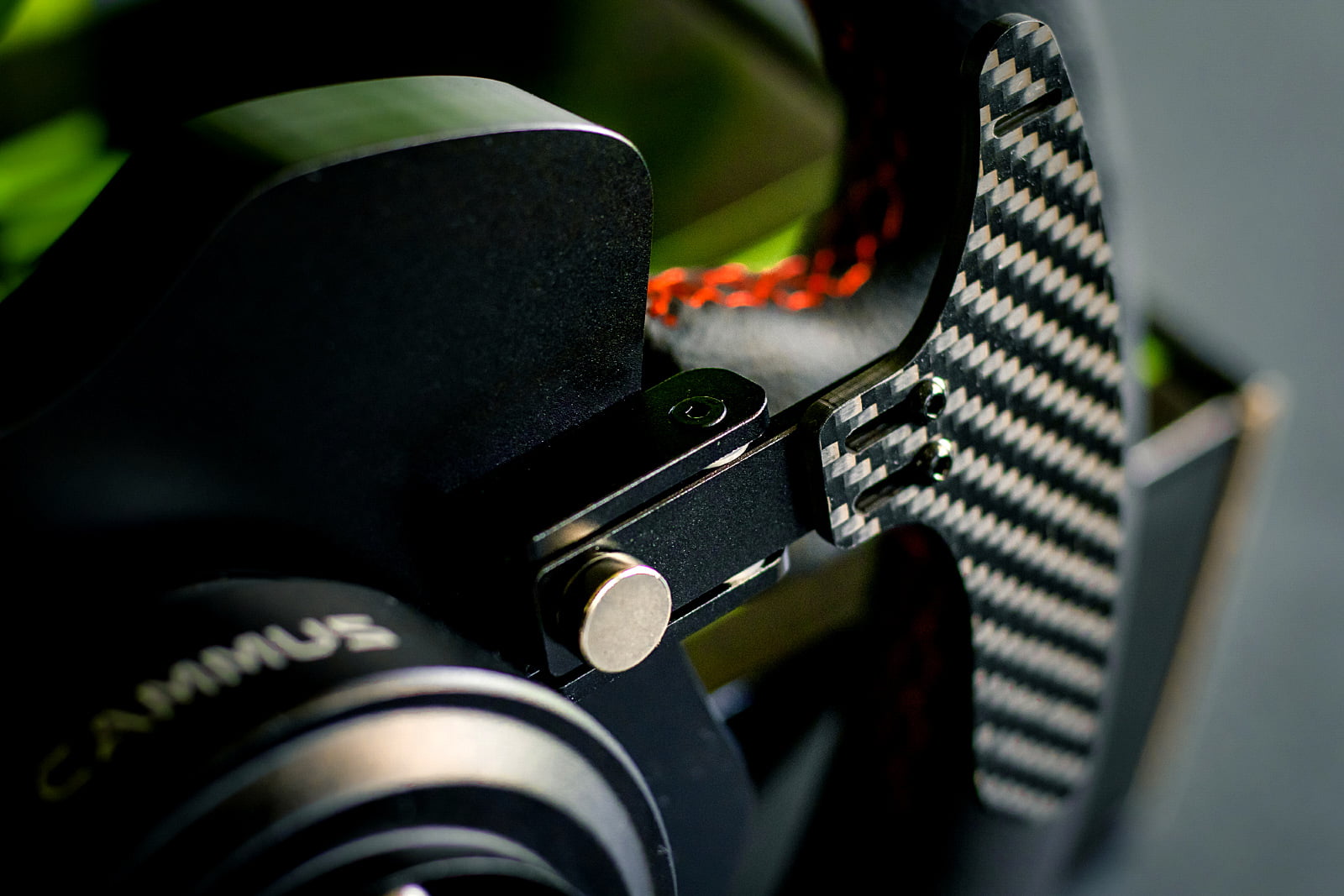
Cammus has decided to equip the button box with magnetic shifter modules, something we immediately get excited about. The first impression is that the magnets used are a bit on the weak side, the paddles feel quite light and produce quite a bit of noise. The shift paddles themselves are made of 3 millimeters thick carbon fiber, which we also think is a nice addition to this button box. In addition, the paddles can also be slightly adjusted by adjusting them a little further out. Unfortunately, it is not possible to adjust the depth, i.e. the distance of the paddles in relation to the steering wheel. Without having driven yet, we get the impression that the paddles are quite close to the steering wheel, but we will investigate that in practice at a later stage.


The Quick Release which is mounted on the steering wheel and the button box feels very solid and rigid. A bonus is the built-in button which, when pulling back the ring from the Quick Release, you can press to hold the ring in place. At Cammus you can also purchase separate quick releases to also be able to use aftermarket steering wheels on your Cammus GT1 DD wheelbase. This is a standard 70mm Quick Release which means you are not limited in your choice of steering wheels. This bundle certainly makes it interesting for those who might want to start within an ecosystem while not wanting to be limited to that.
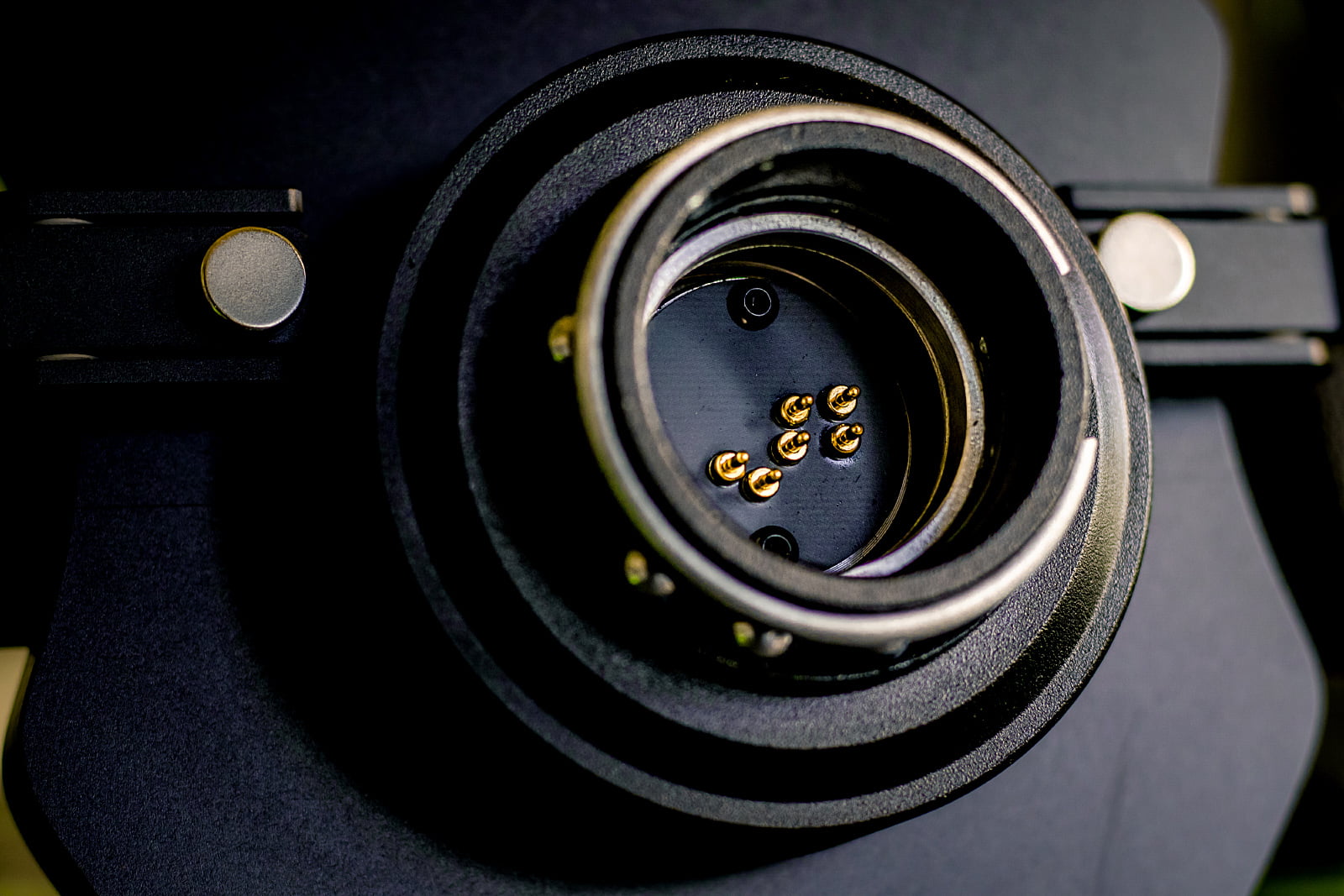
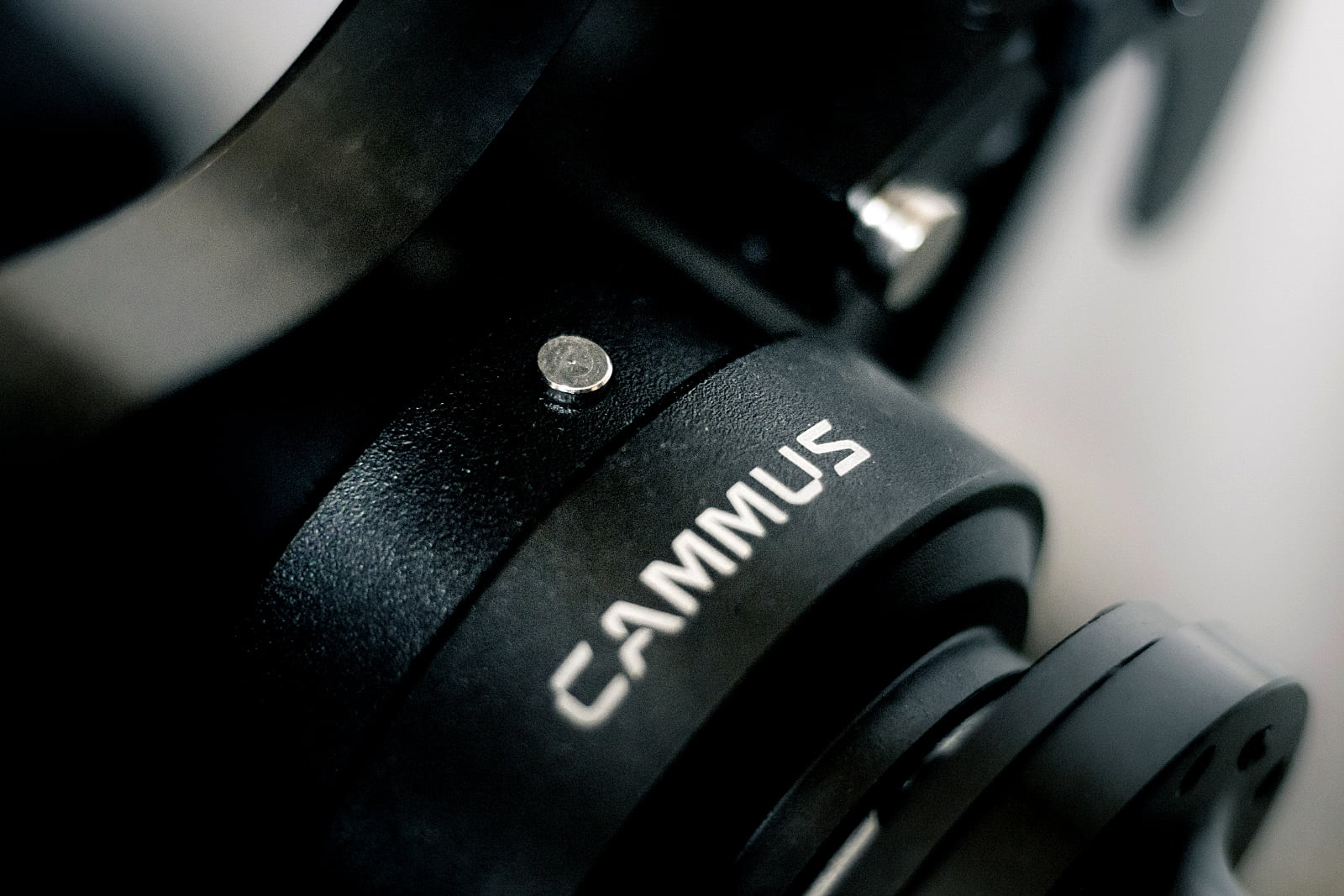

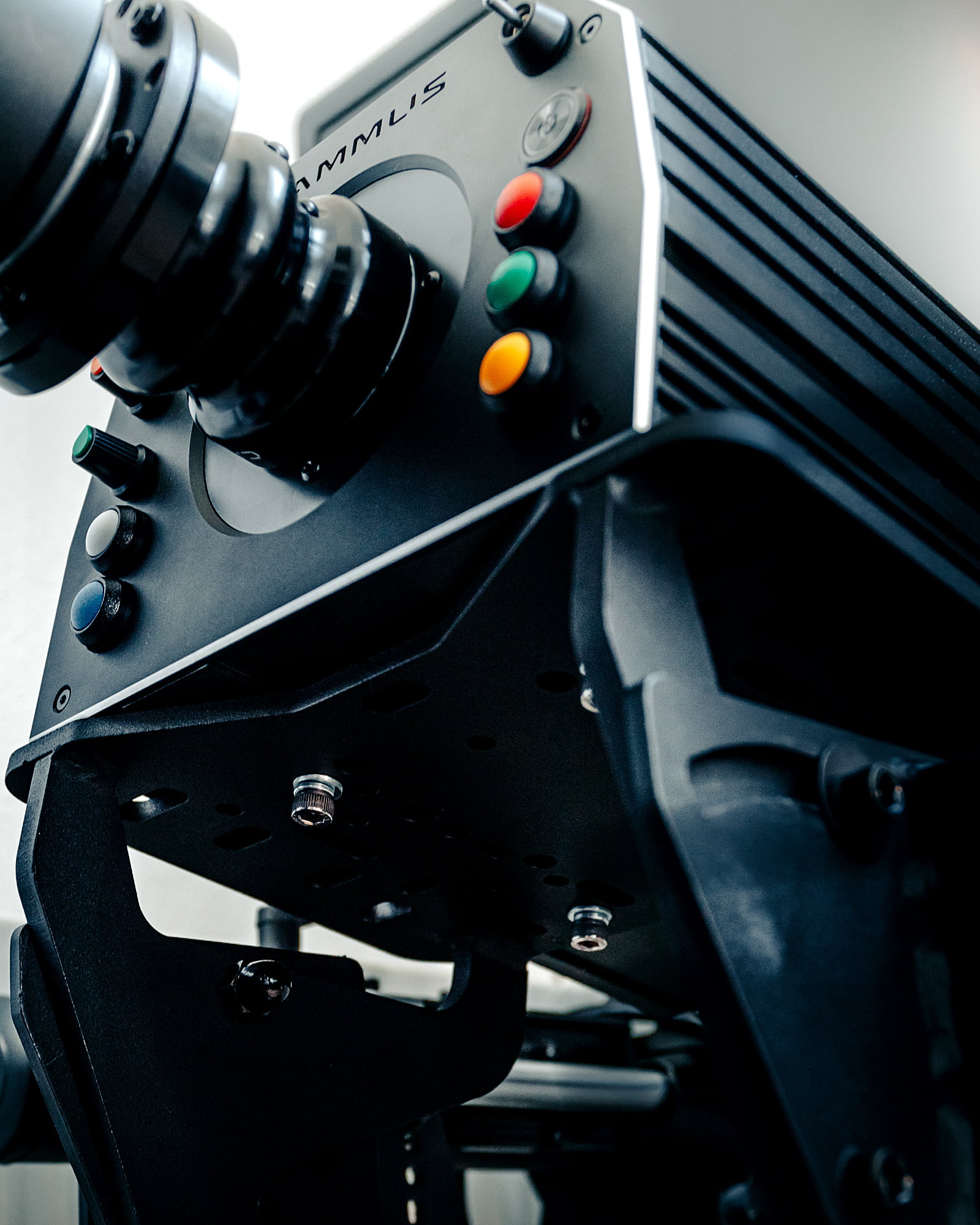
Finally, the Cammus DDWB Wheelbase. It is equipped with an industrial Direct Drive servo motor with a maximum torque of 15Nm, about which we cannot find any in-depth technical information. First impression of the wheelbase; what a gigantic device! We won’t exaggerate, but it’s certainly a hefty-sized wheelbase. In terms of dimensions, it is very substantial in both height and width, and the wheelbase definitely has a significant weight. Due to this weight and the square shape at the base of the wheelbase, it is also difficult to lift it from a flat surface. That being said; the black anodized aluminum housing feels super solid and we also think it looks great in general. There is also one T-slot rail on both sides of the wheelbase with which you can also side-mount the Cammus DDWB on your sim rig. At the bottom of the wheelbase there are four screw holes for mounting on a wheel deck from below.


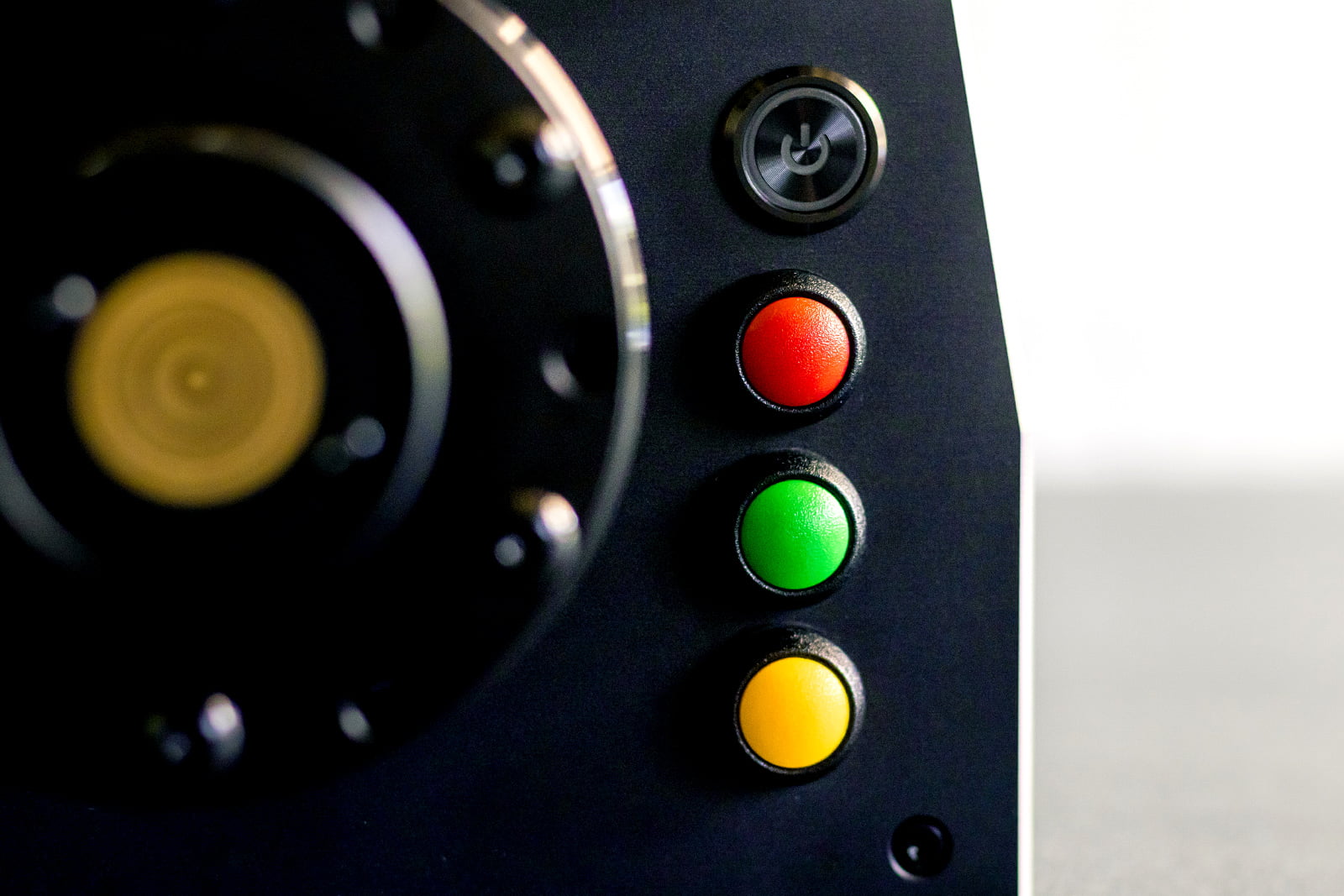
On the front are the same push buttons, rotary encoders and toggle switches as on the button box, of which we also share the same opinion. A plus; the on/off button of the wheelbase is nicely concealed in the housing and feels nice and clicky to use. At the rear of the wheelbase are a lot of inputs and outputs, including those for extra shifters, pedals, handbrake and an emergency stop. This immediately confirms the direction Cammus wants to go; an entire ecosystem of its own. Furthermore, on the back are of course the input for the power supply and the USB output.


Mounting & Installing
Assembling the steering wheel, the button box and the quick release is a matter of aligning, screwing in and tightening and is therefore self-explanatory. Don’t forget the ring with the Cammus logo on the front of the steering wheel. We mount the Cammus DDWB Wheelbase together with Venym Atrax 3 pedals on the Trak Racer TR8 Pro sim rig. Because Cammus is an upcoming brand within the sim racing market, this sim rig does not contain any mounting options, so we had to drill a few extra holes in the wheel deck. This might be something to keep in mind if you have a sim rig that doesn’t show compatibility with Cammus. As mentioned, side-mounting with T-nuts is also a possibility if you have a sim rig with aluminum profiles.
With the Cammus DDWB on the sim rig, it’s time to install the necessary drivers and software. These, together with the manuals for the wheelbase and steering wheel, the Cammus PC software and firmware update can be found on the Cammus website. The software is entirely in English, however you will encounter some Chinese texts and pop-ups during installation, such as those for a USB driver, which you have to blindly agree to. Apart from that, installation is a very simple process and we were able to immediately update the firmware of the wheelbase without any problems.

Software
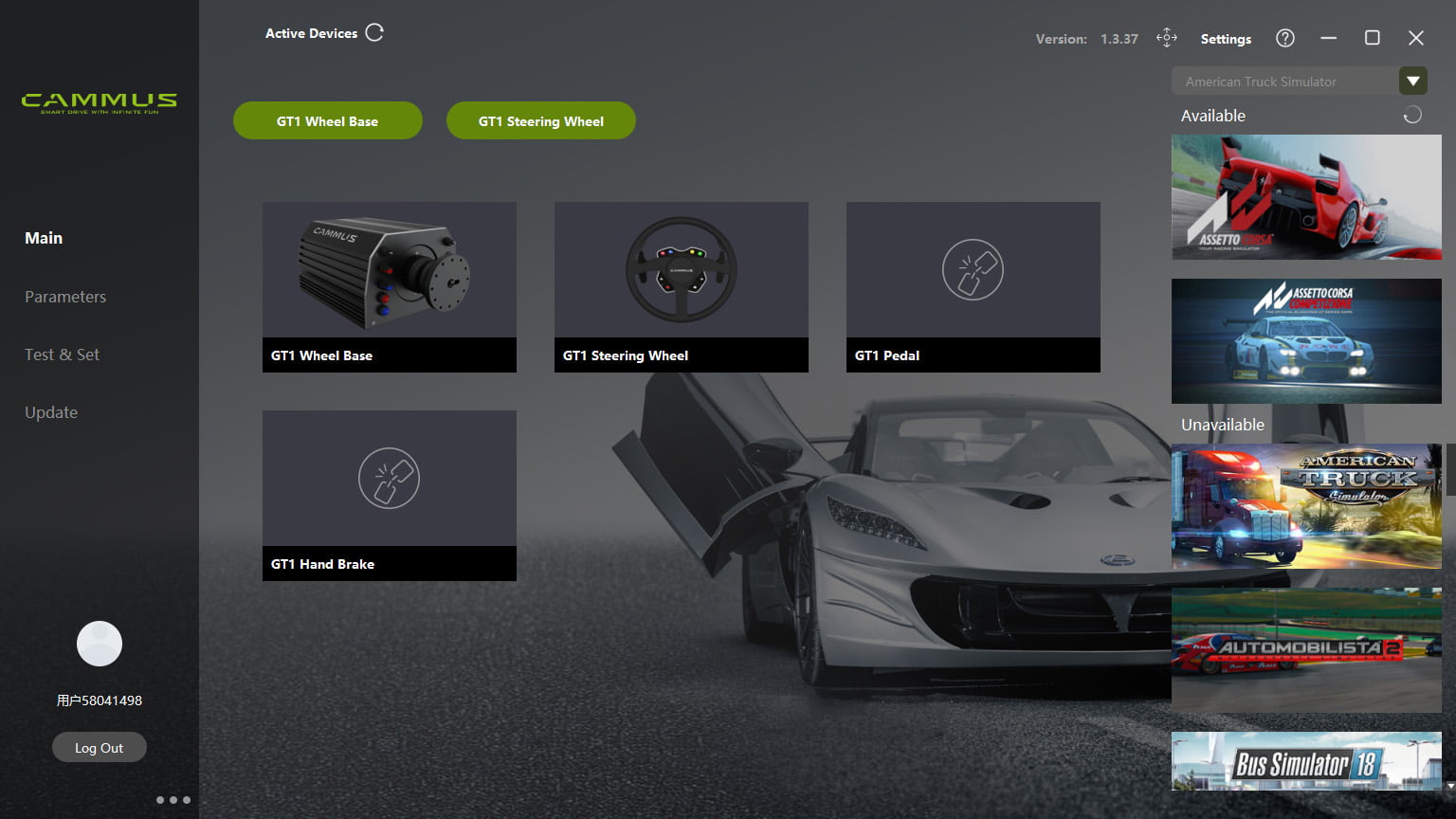
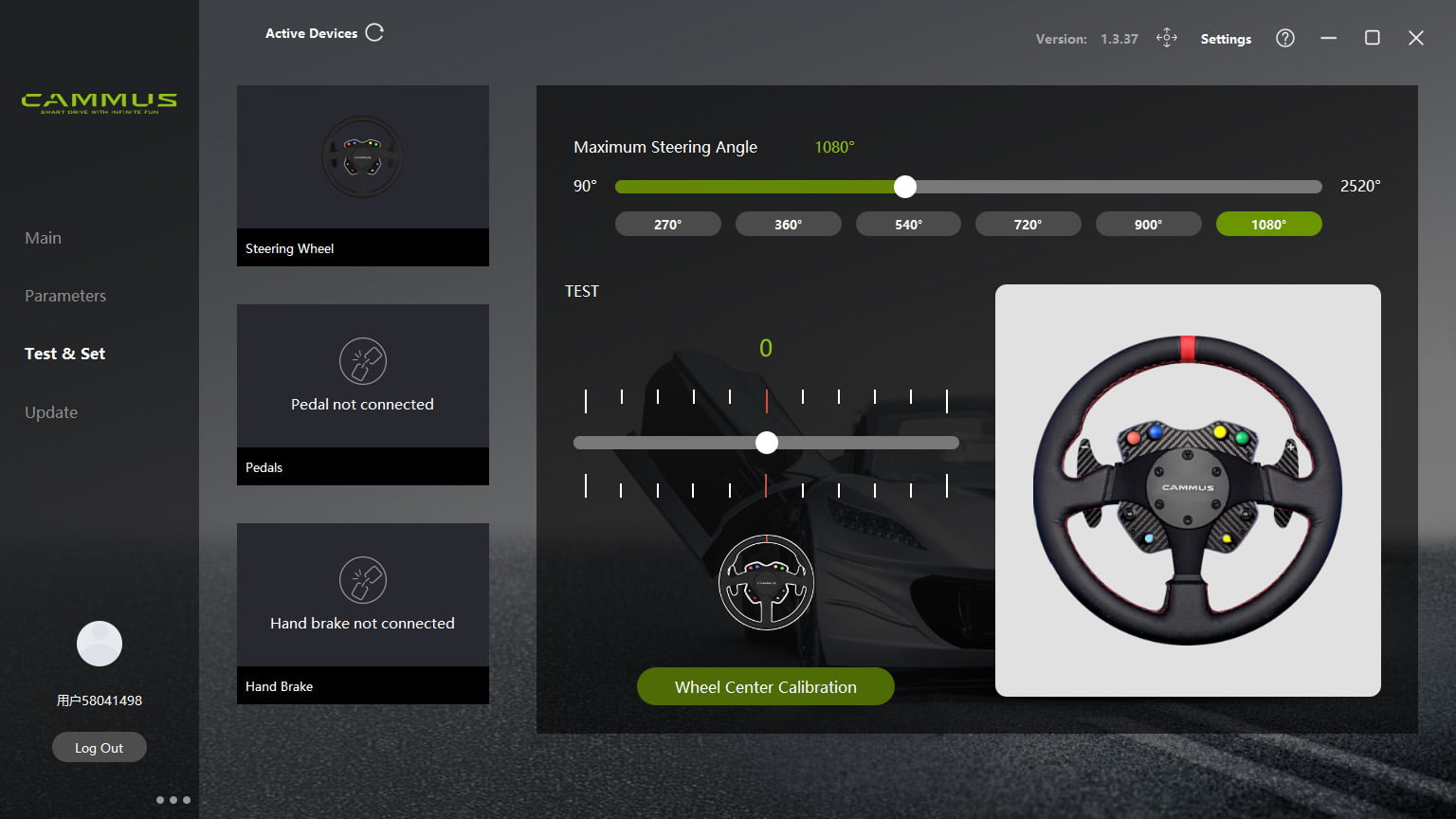
Cammus’ software, called “The Cammus PC App”, initially surprised us positively. The software looks good graphically and offers no more and no less than the essential functions you expect to receive. When opening the Cammus PC App you can see an overview of the connected Cammus devices, test and calibrate them. You can also save the presets you have made and thus create multiple configurations for different games, types of cars or purposes. Basically, the software does exactly what you can expect and what you may already be used to from other steering wheels/wheelbases.
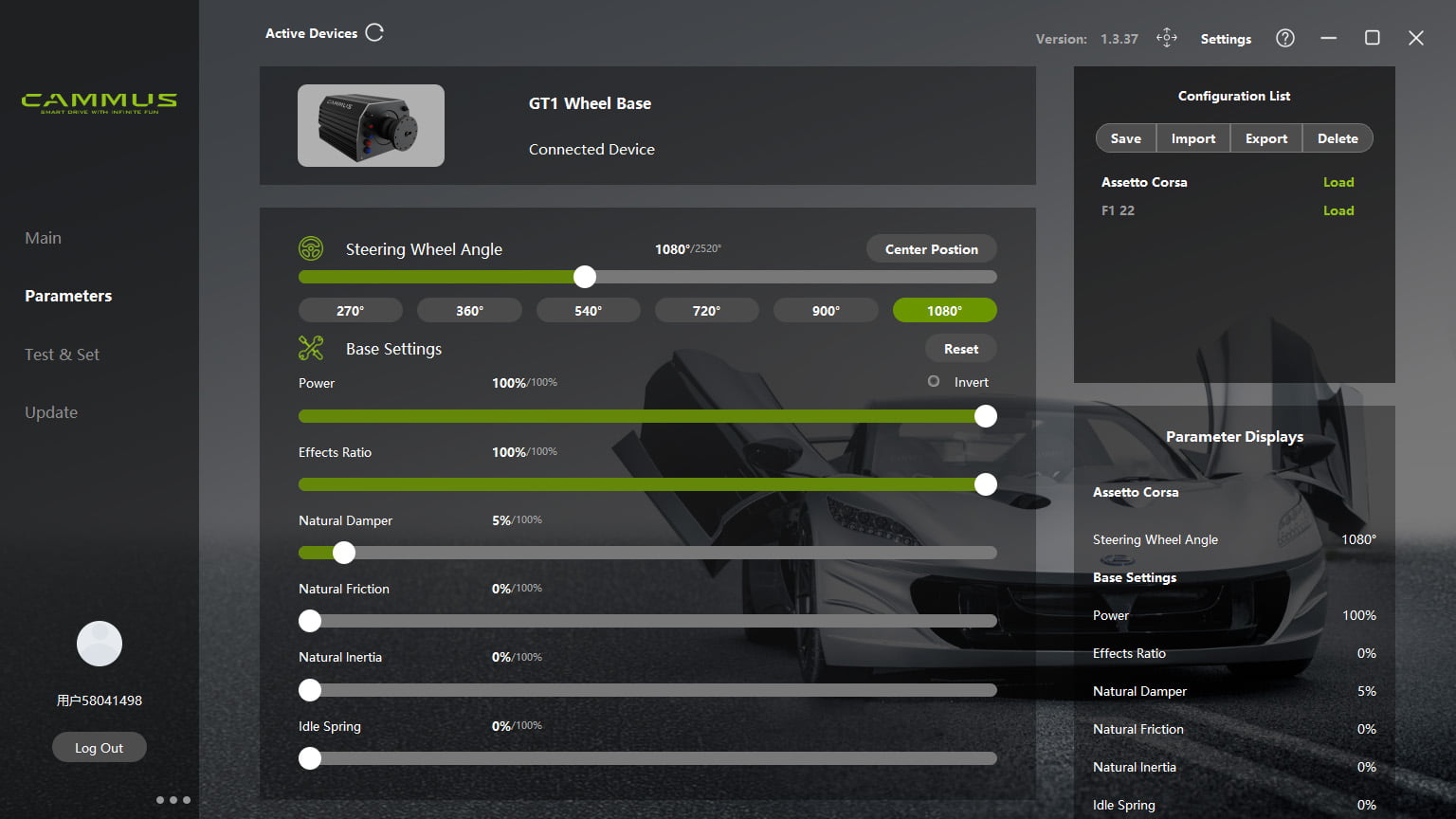
The actual settings that you can adjust to the wheelbase are fine, but not nearly as extensive as you would see with Fanatec or Simucube, for example. Of course you can set the wheel rotation in the Cammus PC App along with the force feedback range (Power) and the intensity of the effects (Effects Ratio). In addition, there are four more options for setting the Damper, Friction, Inertia and Idle Spring. These settings are pretty self-explanatory, but you can still press the question mark at the top right of the window for an extensive explanation of the effects. Here you can read what increasing or decreasing the value of an effect will have on the behavior of your Cammus wheelbase and what setting may be desired in which situation. These descriptions are very concise but effective and in our opinion an ideal addition for those who would like to adjust the behavior of their wheelbase to their own preference, but may not be completely acquainted with the technical side of it. We do think that the button for this information should have been more prominent in order to make this information more easily accessible.

A nice touch of Cammus is that you can install the Cammus App on your smartphone, scan the QR code on your wheelbase and adjust the settings of your wheelbase from your phone. In the Cammus App User Guide you can first see how to connect your phone to your wheelbase and also how to use it. Once connected, you can access your wheelbase settings and adjust the parameters in real time. You can also switch between profiles that you have created on your PC. In practice this works fine and can be useful when you can’t or don’t want to alt-tab while racing. However, our experience is that the app, or the bluetooth connection to the wheelbase, does not seem to be completely stable. Sometimes we have trouble getting into the settings and other times we do get into the settings but after a few seconds we are brought back to the main screen. We certainly think it’s a nice addition to be able to adjust the parameters of your wheelbase while racing and even find it extremely useful when you are making your first presets when you start using the Cammus GT1 DD Bundle for the first time. However, we personally wouldn’t rely on this app at critical moments and would probably choose to alt-tab for a quick and reliable access to the settings.


Usage
To start with, we will test the Cammus GT1 DD bundle in Assetto Corsa where we will step into different classes of virtual cars. For comparison, we’re going to compare this experience with some laps in Assetto Corsa Competizione and F1 22. Placing the steering wheel on the wheelbase is a piece of cake thanks to the very solid quick release and we are quite impressed with how sturdy it feels . With the steering wheel on the wheelbase, we also notice no flex in the connection. After placing the steering wheel, we start by creating a new profile for the controls in Assetto Corsa Content Manager. Assigning the buttons is done easily, although we immediately notice that it is already a potential loss that there is no D-pad on the steering wheel. We cannot avoid having a mouse and/or keyboard available to make navigating through menus easier. After assigning the controls the steering wheel and wheelbase are ready for use in no time, so time to start up Assetto Corsa!
First impression
For our first experience we choose to use the standard settings of the Cammus wheelbase as it was delivered, but we soon notice that it is actually no good to drive with it. With the default settings, the steering wheel feels very heavy, slow and sluggish due to the high values on the Damper, Friction, Inertia and Idle Spring on which the wheelbase is set by default. So we realize that we will first have to tweak the settings to adjust the wheelbase ourselves and create an authentic feeling force feedback. Of course, the experience of force feedback is prone to subjectivity, which means that a pleasant setup for us will not necessarily be the most ideal setting for everyone. After playing in the Cammus software for a while, we’ve come to a pleasant setup. In principle, we set the Power and Effect Ratio to maximum and the rest to zero, with the exception of the Damper. We were looking for a strong, raw experience of the wheelbase where we also have the entire range available to experience the maximum effects and peaks of the maximum 15Nm of force. We then scale back the strength of the force feedback per car in Assetto Corsa to prevent clipping and to make the effects, also depending on the car, stronger or weaker. In principle, we let Assetto Corsa determine as much as possible what we feel through our steering wheel and we adjust the wheelbase so that the entire range is available for the game to use it. The exception to this is the aforementioned Damper which we activated in the Cammus App with a minimal amount to filter out minimal vibrations and vibrations perceptible through the steering wheel.

Assetto Corsa
Now that we have adjusted the settings and are able to drive the first real laps in Assetto Corsa, we quickly start to get impressed by the Cammus GT1 DD Wheelbase. To start with, the power that the 15Nm Direct Drive motor can generate is actually very strong, and we can imagine that this will be more than enough for a large number of users. What we also notice is that by tweaking the settings we have been able to bring out a lot of feel and detail in the wheelbase. Where the wheelbase felt very heavy and sluggish with the default settings, we can now quickly correct our virtual cars and experience a very smooth wheelbase. The asphalt and the tires can be felt well through the steering wheel and you are also offered a lot of information on the curbs. For this we have driven GT3 cars, road cars and Formula cars and, partly because we have slightly adjusted the strength of the force feedback and the ingame effects per car, we have succeeded in creating a pleasant feeling in every car giving us a lot of provided details while the heavier effects are also well felt. This means that it can initially differ considerably per car how nice the available feedback feels and that it pays off to take the time to adjust this per car. What we experienced a few times during use is that when starting up the wheelbase, the buttons, the steering wheel and the shift paddles all function, but the force feedback is not felt. Restarting the wheelbase solves this which doesn’t make it an insurmountable problem, but is something we find worth mentioning.
Assetto Corsa Competizione
After having driven the necessary kilometers in Assetto Corsa it is time to move on to Assetto Corsa Competizione. Here too, of course, we first adjust the wheelbase ingame and assign the new controls. Since Assetto Corsa and Assetto Corsa Competizione are from the same maker, we expect that the force feedback will feel fine here with our settings, but that appears to not be the case. Where the feedback in Assetto Corsa is very pronounced and detailed, we missed this detail greatly in Assetto Corsa Competizione. Of course the wheelbase and the force feedback work as they should, but the feeling with the asphalt and the tires is not nearly as present as in Assetto Corsa. We’ve fine-tuned the in-game settings and the settings in the Cammus PC App a bit and have been able to manifest some improvements in this, but it remains the case that we get less details from the asphalt and the real feeling of the car remains a bit absent. Even after driving for a while, we can’t really get used to the slightly limited feel and detail with the Cammus GT1 DD in Assetto Corsa Competizione.

F1 22
We will also test the Cammus GT1 DD bundle in F1 22 for comparison. F1 22 initially decides to set all force feedback and associated effects to 100% which of course is not suitable to drive with, so we will do something about that first. In principle, we scale back all effects amply and build from there to see what the Cammus GT1 DD with F1 22 is capable of. We drive a few laps and tweak the settings in the Cammus PC app in between and doing so we quickly get to a pleasant setup. Despite the fact that the asphalt in the F1 series generally always feels as smooth as a silk, we still managed to get enough feeling in the steering wheel and we are actually quite impressed with how well the force feedback effects are translated by the Cammus GT1 DD. In the end we scaled down the total force feedback output in the game to about 60% which is more than enough for a good experience in F1 22 with a wheelbase that can deliver 15Nm. We did set the on-road and rumble strip effects a bit higher than we did with the Fanatec CSL/GT DD, for example. With lower settings there is not enough of these effects to our taste and the feeling of the car, the tires and the asphalt is not sufficiently present. All in all, we are very pleased with the Cammus GT1 DD in F1 22 in terms of steering feel and force feedback.
The steering wheel
Not entirely unimportant for your racing experience is the steering wheel. Since this is the only part besides the pedals that you have direct contact with to control your virtual car, it is nice if it is also pleasant to use. We are also positively surprised about the steering wheel. The mentioned width of 33cm makes the steering wheel a pretty nice size that fits comfortably in the hand. This does mean that it is mainly suitable for road and GT cars and is not ideal for driving Formula cars. The artificial leather upholstery feels very good in quality and pleasant to use; it does not feel sticky while driving. Allowing the steering wheel to rotate through your hands is very smooth and the friction that arises does not provide a warm, burning feeling like you could experience with cheaper steering wheel with a rubber-like grip. We have driven both with and without gloves and we liked both options with the Cammus steering wheel. A nice extra to such a light steering wheel is that the power of the Direct Drive wheelbase is slightly better defined than with a steering wheel that itself has more weight.

What made us enthusiastic when unpacking the steering wheel are the shifter modules and the paddles. The three millimeter thick carbon fiber paddles together with a magnetic module look good and set the necessary expectations. In practice, this enthusiasm has been tamed a little bit. The shift paddles are quite close to the steering wheel, too close for our taste, and can only be adjusted further out in width. Adjusting the depth to move the paddles further from the steering wheel is therefore not possible. The magnets on the shifter modules are quite weak, which means that they release very lightly. Together with a noteworthy travel, the experience during shifting cannot be considered extremely great. Therefore the steering wheel has paddles that feel light and, thanks to the travel and no damping, also produce the necessary sound. In F1 22, where you shift switch (down) a lot and quickly in succession, we notice that this is not as fast and smooth as we would like. The paddle also needs to come back fully to its starting position after each shift because otherwise there is a chance that your input will not be registered if you shift again, which with the amount of travel and the weakness of the magnets is not ideal if you want to shift really fast. Despite these critical notes, we don’t think the shift paddles are bad at all fundamentally and we think they feel great with less intense use. That said, in our view the paddles of the Cammus steering wheel could have been given a more ‘premium’ experience with a little more distance from the steering wheel, stronger magnets, less travel and possibly damping material to reduce the noise and improve the shifting feeling to make it more comfortable.
What we run into while driving is that you have to reach very far to use the buttons on the button box, which is not exceptional for a steering wheel of this size without adjustable buttons. In use, we find the regular buttons, which are also on the front of the wheelbase, not an extremely pleasant experience since they have a lot of travel and feel a bit weak. The buttons do light up when pressed, which is a nice addition. The rotary encoders, on the other hand, feel very good; these offer enough resistance when operating them to feel how many clicks you turn them around. Pressing the rotary encoder is also very pleasant; the travel is very short and the click is clearly felt. The toggle switches do what they’re supposed to do and are no more or less than we expected in that regard. What we also notice is that, as expected, the lack of a D-pad or a funky switch as with Fanatec wheels is a loss. It would be nice to be able to navigate on your steering wheel, especially with games such as F1 22 with which you can only operate the menu with buttons. Adjusting your pit strategy in Assetto Corsa for example, is also difficult without a D-pad or equivalent switch. In this case, you should always have a keyboard, mouse, or controller nearby to navigate.


Conclusion
We are very pleasantly surprised with the Cammus GT1 DD Bundle. The first impression for us was a good one straight away; the DD wheelbase with its black anodized housing and very substantial weight feels very solid and capable and the steering wheel looks very neat and well finished. The choices for materials are all excellent and the branding on the boxes also contributes to the experience that Cammus has given us.
The DDWB Wheelbase is somewhat unwieldy with its shape and weight, but once mounted on your sim rig it looks good in our opinion. The forces that the DDWB Wheelbase can generate are impressive and we think that, with a maximum torque of 15Nm, Cammus has chosen a very nice spot in the market with this wheelbase. The standard settings of the wheelbase are not really usable, but by making a good preset yourself and calibrating your in-game force feedback properly you can bring out a lot of detail and precision in the Cammus wheelbase. The force feedback, the smooth sensations and the power of the Direct Drive motor are absolute strengths of this wheelbase.
The steering wheel of the Cammus GT1 DD Bundle is very pleasant in our experience, but not quite perfect. The size of the steering wheel is 33 cm in diameter, very pleasant and manageable, the artificial leather upholstery is of high quality, very comfortable and does not stick to your hands during use. The steering wheel is very nicely finished with red stitching and the red 12’o clock mark, and also the small recesses for your fingers add just a little more comfort. However, the regular buttons, which are also on the wheelbase, feel weak and numb and the lack of a D-pad or a funky switch is quite noticeable. Due to the size of the steering wheel the buttons are quite far away from your thumb, making it difficult to operate them during intense moments of racing. The rotary encoders feel a lot better, both when turning and pressing them.
In terms of material choice, we are very enthusiastic about the shift modules and shift paddles. The 3mm thick carbon fiber paddles feel very good and high quality and we are always enthusiastic about magnetic modules. However, the magnets in the Cammus steering wheel shifter modules are quite weak and with the long travel, the paddles feel very light and make a lot of noise when operating. Also (very) fast downshifting as you often do in Formula cars is not ideal. In our experience, the paddles are too close to the steering wheel, and unfortunately they can only be adjusted in width and not in depth.
Cammus’ Quick Release is another plus; it feels extremely sturdy and we don’t experience any flex in it at all. With the button on the handlebars you can pull the ring towards you and click it into place. You can also purchase extra 70mm Quick Releases from Cammus so that you can also put aftermarket steering wheels on your Cammus wheelbase, which is certainly ideal for those who do not want to be tied to an ecosystem.
All in all, Cammus has made an ambitious step to enter the sim racing market with the GT1 DD Bundle. In addition, they are also working on pedals, a handbrake, sequential shifter, sim rig and chair, et cetera. With our experience, Cammus is definitely a player to keep an eye on, and we certainly look forward to hearing more from them in the future.
The Cammus GT1 DD Bundle is available through the official Windbooster shop for $698. If you use the discount code srbcammus in the Windbooster shop, you will receive a 5% discount on your order.
Do you want to stay informed about SimRaceBlog content, news, announcements and (future) give-aways? Follow us on Instagram @simraceblognl and/or our Discord channel.