
EPlab Race Display PRO
Our Belgian friends from Simneeds drew our attention to the EPLab Race Display Pro as a must-have for your cockpit. The EPLab Race Display Pro shows you useful and accurate telemetry data on an easy-to-use display. Is it a must have or just pure luxury? Of course we wanted to know the details and that is why Simneeds, in collaboration with EPLab, sent us the EPLab Race Display Pro to be able to answer this question.
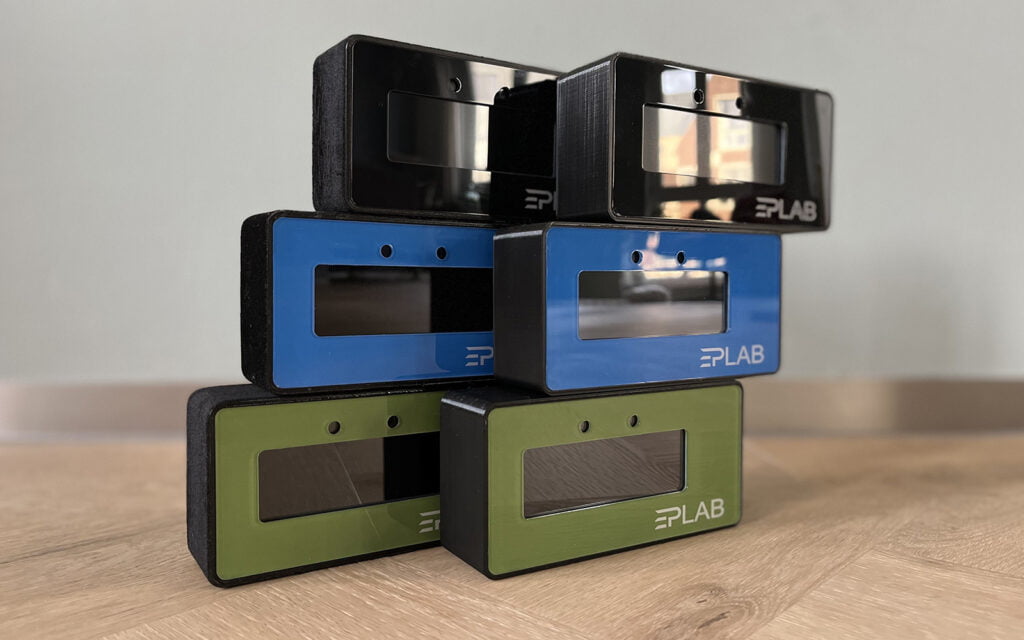
EPLab Race Display Pro
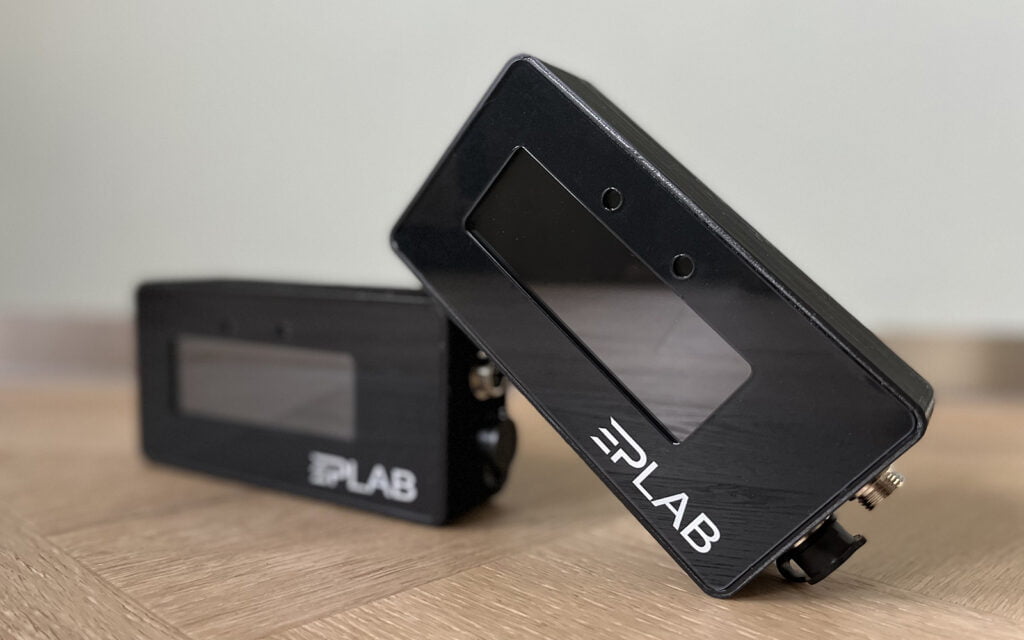
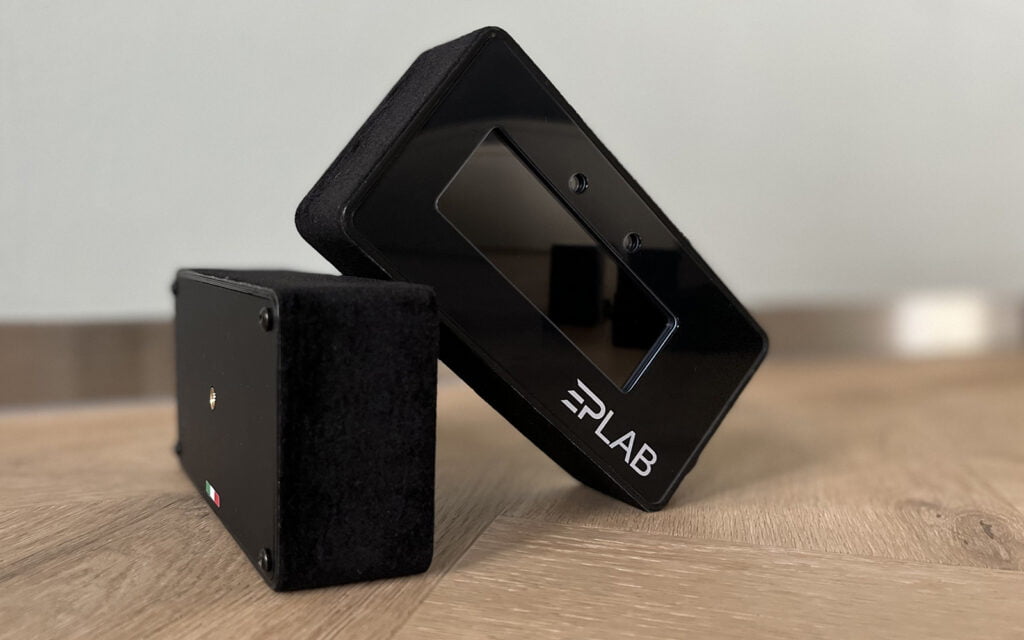
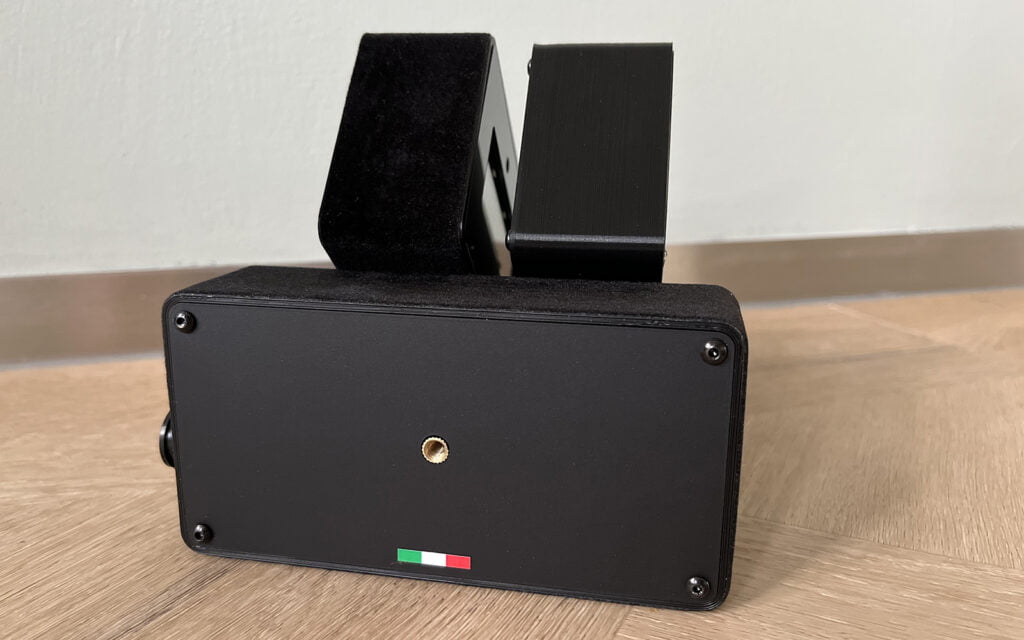
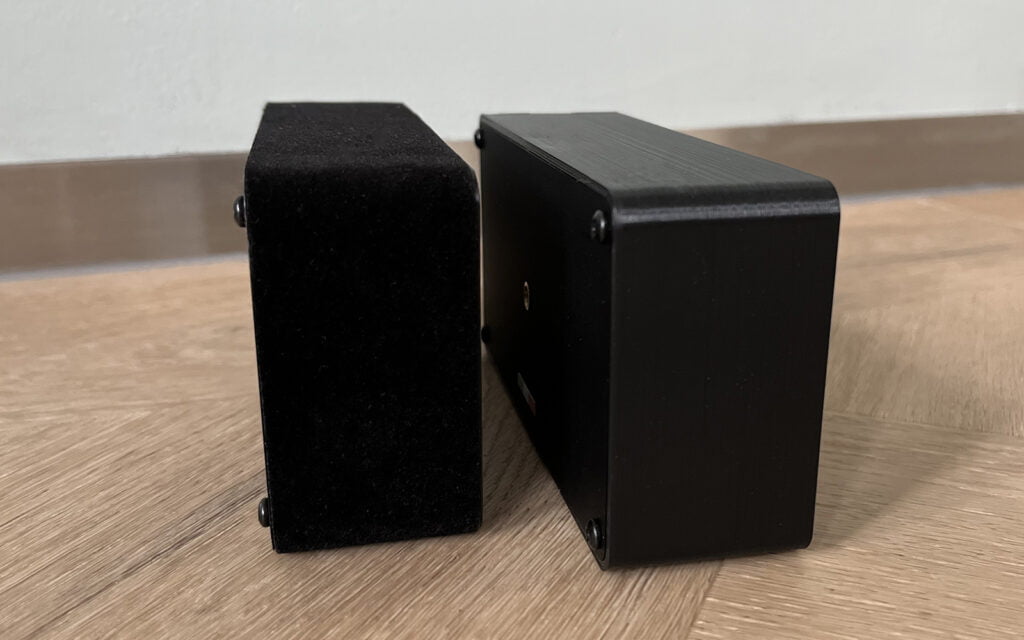
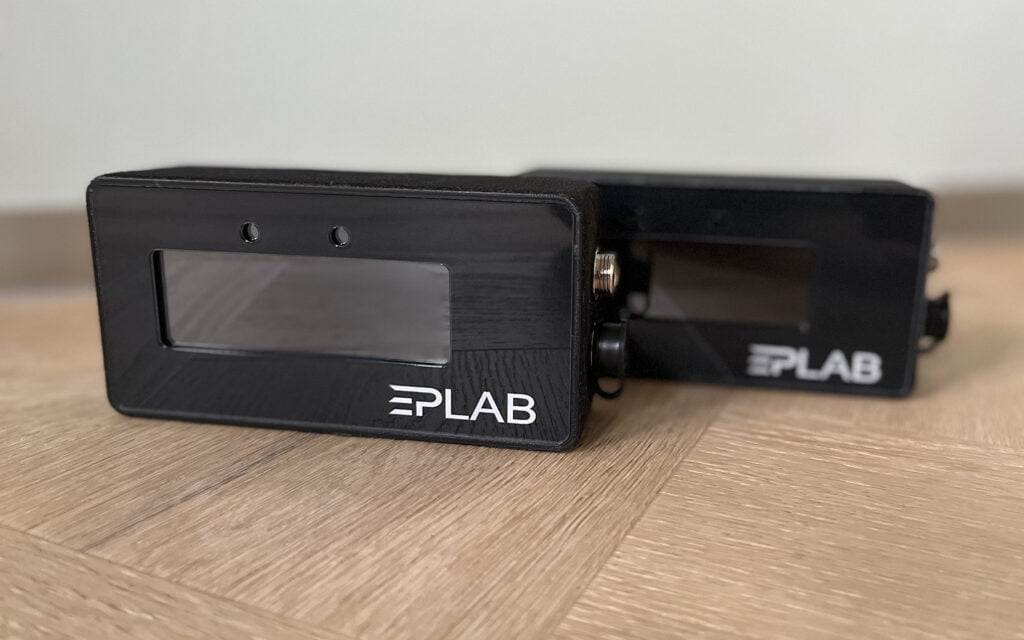
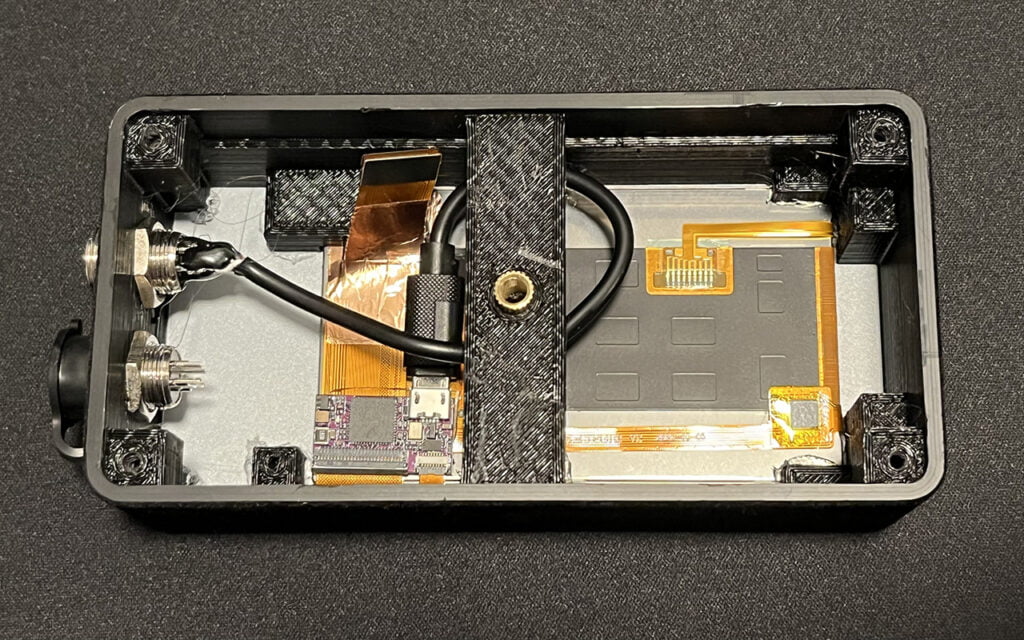
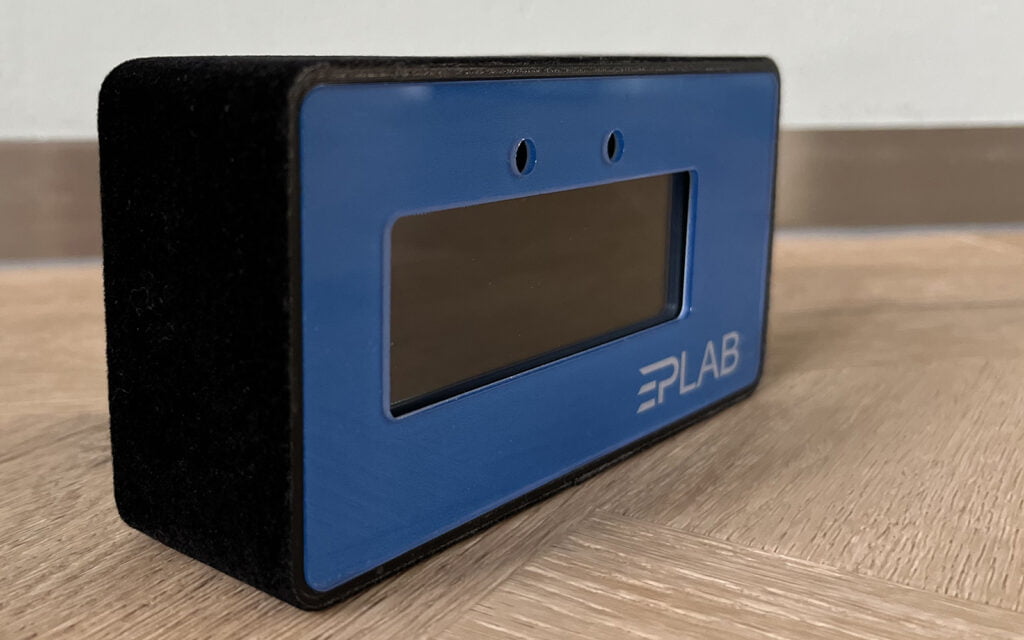
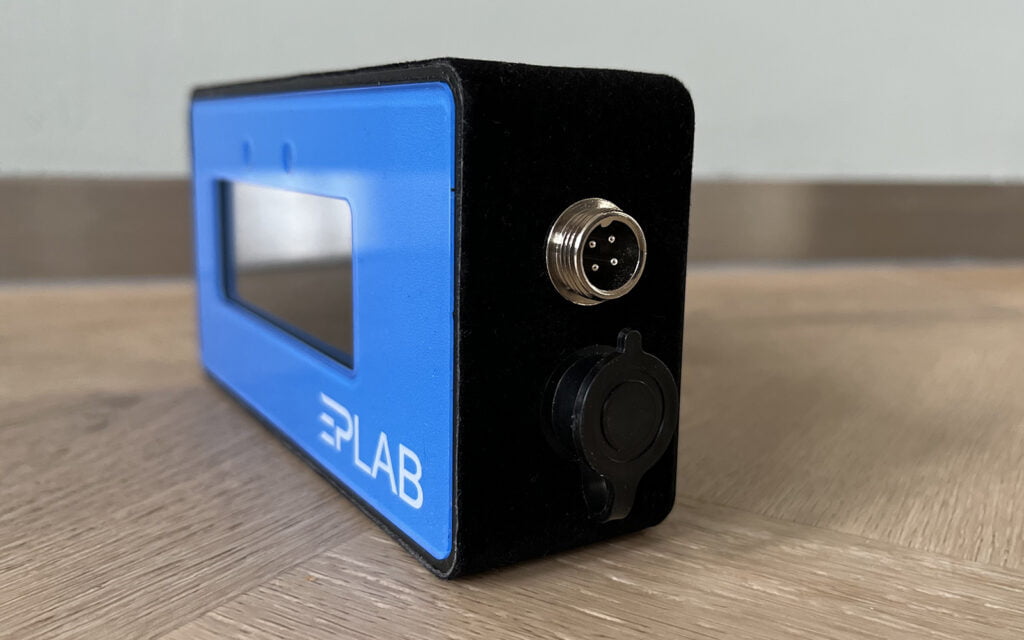
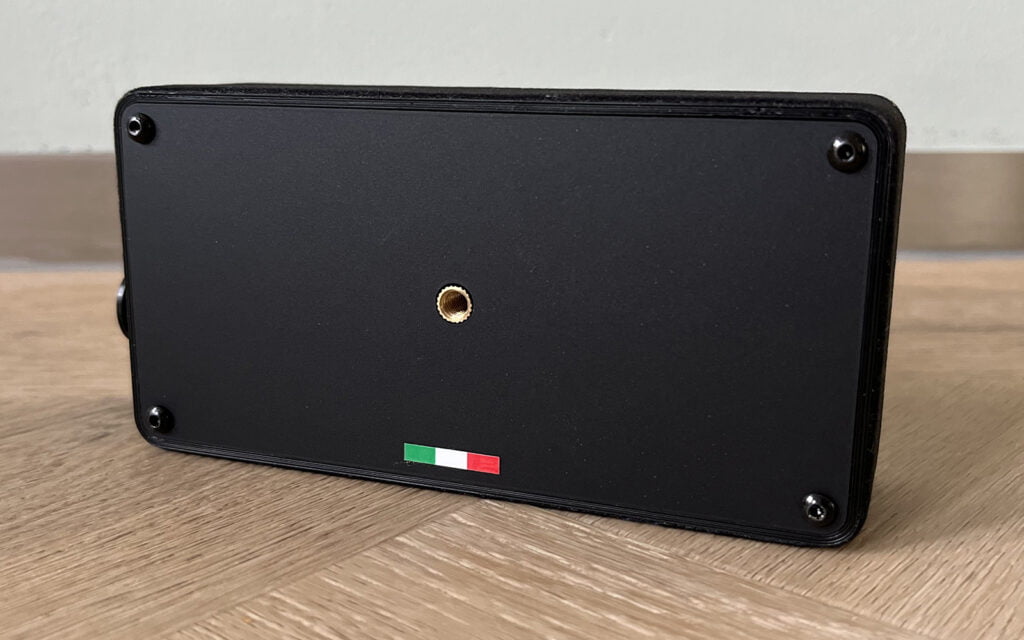
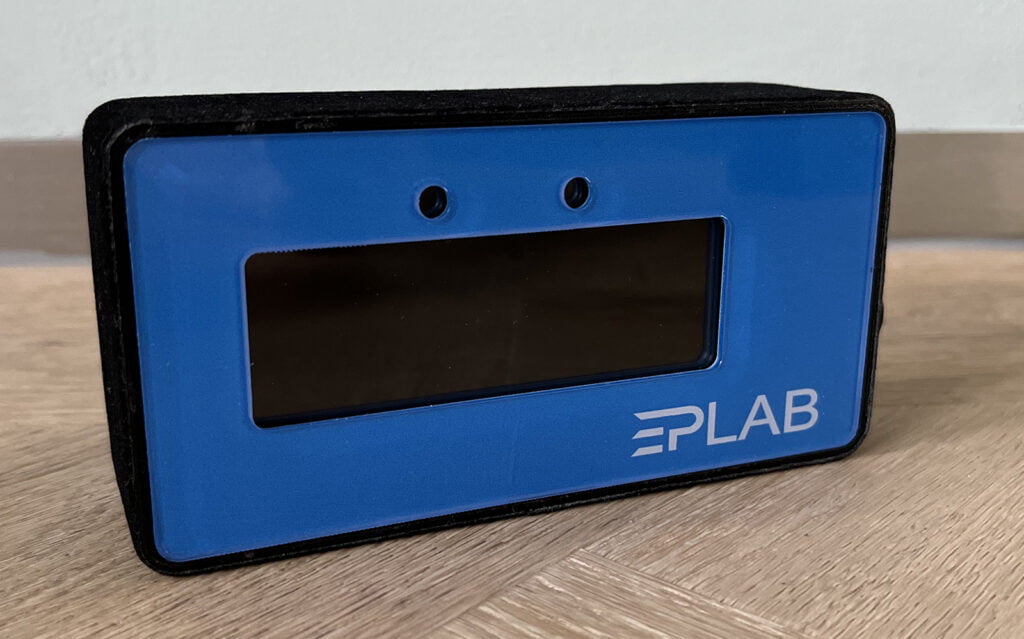
The EPLab Race Display Pro is a display for displaying telemetry data developed and manufactured in Italy. The base consists of a 3D printed housing with a laser-cut plastic front panel. It is available in four different colours; black, red, green and blue. Behind the front panel is a Vocore touch screen on which the telemetry data is accurately displayed. On the side you will find a double GX-12 connector where you can plug in the supplied USB cable for connection to your PC. The Race Display is, at the time of writing, available at Simneeds for € 199.-, for the Alcantara-covered version you’ll pay € 18.- more.
Assembly & Use
Mounting on our Sim-Lab P1-X was a bit of a puzzle, more so because it comes with a small bracket that you can mount at the back or bottom of the housing to be able to attach it to the t-slot profile. We would rather have had the option of being able to tilt and turn it a bit so that it is more pointed towards you. As a creative person you can of course come up with various options for this, but we would have preferred an out-of-the-box solution.
Before you can get started, you must first download and install the necessary Vocore driver. After plugging in the USB cable, you can run the downloaded setup and load the supplied template into SimHub. If you find the installation difficult, there is also a clear installation video available on YouTube. Please note that the race display is only compatible with PC and is only recognized on USB 2.0 and USB 3.0 ports, on USB 3.1 and 3.2 ports the display will not be recognized. The bottom GX-12 connector didn’t work for us, we found out after unscrewing the housing that it was probably there for decoration.
The Race Display pulls the telemetry data from SimHub and there are more than 40 different functions available such as; Delta Current Lap, Delta Session, Delta Best Lap, Speed, Fuel, Gap Opponents, Gears, CPU, GPU, Core Stats, Flags, Tire Status, Water Temperature, Oil Temperature, RPM and many more. The supplied SimHub template is designed in such a way that all this data can be perfectly displayed on the display through various pages. The Vocore display has a touch screen so you can switch pages with a tap on the display. You can also assign buttons on your steering wheel in SimHub to switch pages, so you don’t have to take your hands off the steering wheel while driving.
In Assetto Corsa we have divided quite a few widgets over 3 screens to provide us with all the necessary information during the sessions. If you are going for the full immersion and most realistic experience in your cockpit, widgets are of course not done! When using the Race Display you can turn off all these widgets and read all the necessary information from the Race Display Pro. This will certainly take some getting used to in the beginning because we are used to using the on screen widgets. After a while you will certainly get used to it and you will have come a step closer to reality. Where we first saw our deltas on the top right of our monitor, we now have to scroll to another page on the Race Display Pro. In practice you will also have most of your deltas, tire status or your gap to the person driving in front of you, those screens are pretty close together.
Conclusion
The device does what it is supposed to do and provides you with the correct data quickly and accurately. The touchscreen is handy, but we prefer a button on the steering wheel, which makes switching pages a little easier while driving. Assembly was a bit of a puzzle to get to the right position, although we would have preferred more options for tilting and turning. The EPLab Race Display Pro is just a really nice addition to your cockpit and brings you one step closer to reality. To answer whether it is a must have or pure luxury, we opt for the latter, but a luxury that is nice to have and adds just a bit of realism and looks to your cockpit.
Do you want to stay informed about SimRaceBlog content, news, announcements and (future) give-aways? Follow us on Instagram @simraceblognl and/or our Discord channel.


